Some things happening in this industry are making me feel old lately. Problems we hit and solved decades ago are being hit again today. People are discovering the same solutions, just giving them new buzzwords. But today I want to talk about a different trend, and it comes down making old mistakes and blaming the wrong things.
If you were able to see into the black box of many enterprise systems, you would be shocked to find how much duct tape is holding things together. It often doesn’t take a lot to make things crumble. This is often down to time pressures to get things out of the door and not having the time to solve the hard legacy issues they might have.
I’ve seen several headlines recently in which people are blaming AI for wiping weeks of work or pretty much destroying a company by accidentally wiping the database. It makes for good reading to have an AI villainised in this way, especially whilst there are ethical debates going on about the usage of AI. But it seems to me that the point is being missed. Bad processes were followed and that is what led to the problems.
Backups
Many years ago, one of my first bosses told me about how they picked an offsite tape backup vendor. They went to the company’s site, asked to see a list of customers and said “ok, can you find the tape for this customer from 2 weeks ago?”. Surprisingly, not many could actually do it. This led to a mantra I’ve been telling people I’ve trained ever since: “you do not have a backup until it has actually been restore tested”.
In systems I developed for HP and other companies in the past, as part of the automated backup we would spin up a new server, restore the backup and run integrity tests on it. If the restore part failed, the entire backup job was marked as failed and someone was notified. We could be sure that our backups could be relied upon when something failed.
In addition we used to do something similar to what is now known as the “3-2-1 backup rule”:
- 3 copies of the data
- 2 different types of media
- 1 copy offsite
I actually used to go a lot further than this, but this is the absolute minimum of what I would call actually having a backup. Live replicas, delayed replicas, and run-books are usually essential for starters. Backups that can be deleted with one command and no failsafes are not backups. They need to be immutable.
Why am I mentioning this? If you have good backups, and for some reason your AI usage managed to destroy prod, you may have some small downtime, but you can recover.
Good systems are designed to limit blast radius. If one command, one engineer, or one AI tool can wipe everything instantly, the system was fragile long before AI entered the picture.
The AI blame
Now, it is very possible that an AI can make a mistake which destroys production, if you give it access to do that. It is also possible for an employee to make a mistake which destroys production, if you give them access to do that. There is a large ISP in the UK called PlusNet, they are now owned by BT. Many years ago, an engineer there was migrating the email systems from one RAID array to another. He had two terminals open, one for the old system and one for the new one. He ran the RAID prepare command and realised too late that it was in the wrong terminal. All customer email was lost (a very small percentage was recovered later by data recovery specialists).
My point is that accidents happen, whether by human or machine. Entire data centre rooms have burnt down before. Disgruntled employees have gone rogue and done damage. This is all without a malicious external bad actor coming in and running a ransomware attack or similar.
AI is getting the blame here because it was the first thing that caused your house of cards to crumble, but it probably would have happened at some point anyway. The trigger being AI is what makes the headlines though.
Other preventions
Having a staging area is vital for live production solutions. Deploy there first, test it out and only then can you consider going to production. Even then, if possible, A-B testing rollouts are a good idea, with human change-approval gates. If you followed the backup method I mentioned earlier, it becomes really easy to create a staging setup that uses a clone of the live data.
The other preventative measure I should mention is confining what the AI can do and where it can work. By default, most CLI based AI tools do a good job of jailing commands that are run, asking for approval. It is possible to go further and contain it within a container or VM. There is a Russian proverb “doveryay, no proveryay” which means “trust, but verify”. To some extent, you want to trust what an AI is doing, but you should verify it is actually doing what you want. The same is likely true of a junior engineer you just hired on their first day.
Whilst not really a preventative safeguard, good logging and monitoring are important. If something goes wrong, there should be an audit trail and someone should be alerted.
I also highly recommend implementing post-mortems. Not just for when things go wrong, but also for long manual processes. These are not to attribute blame when something goes wrong, but to find where processes can be improved and learn from any mistakes made. This helps you build resilience against future issues that might arise. At previous organisations I implemented this for complex release cycles, which helped us iteratively optimise the release process over time.
Final thoughts
Like it or not, AI is here, and there is one thing you should definitely be using it for… security testing. If you don’t use it for testing the security of your application or hosted solution, you can bet that some bad actor is. That bad actor will likely not responsibly disclose what they find. I’m writing this in March 2026, and recent models have gotten smart enough to become surprisingly good at finding security holes. The next generation will be around before the end of the year and I can only imagine what they would be capable of.
AI is just a new form of automation. We’ve been automating systems for decades, and automation has always been capable of destroying production if poorly controlled.
This especially goes out to C-suite and VP / DoE level people: Please, take a look at your internal processes, protect what is important, and use AI for good.
If AI was able to destroy your production environment, it wasn’t the root cause. It was simply the first thing to expose the weakness.
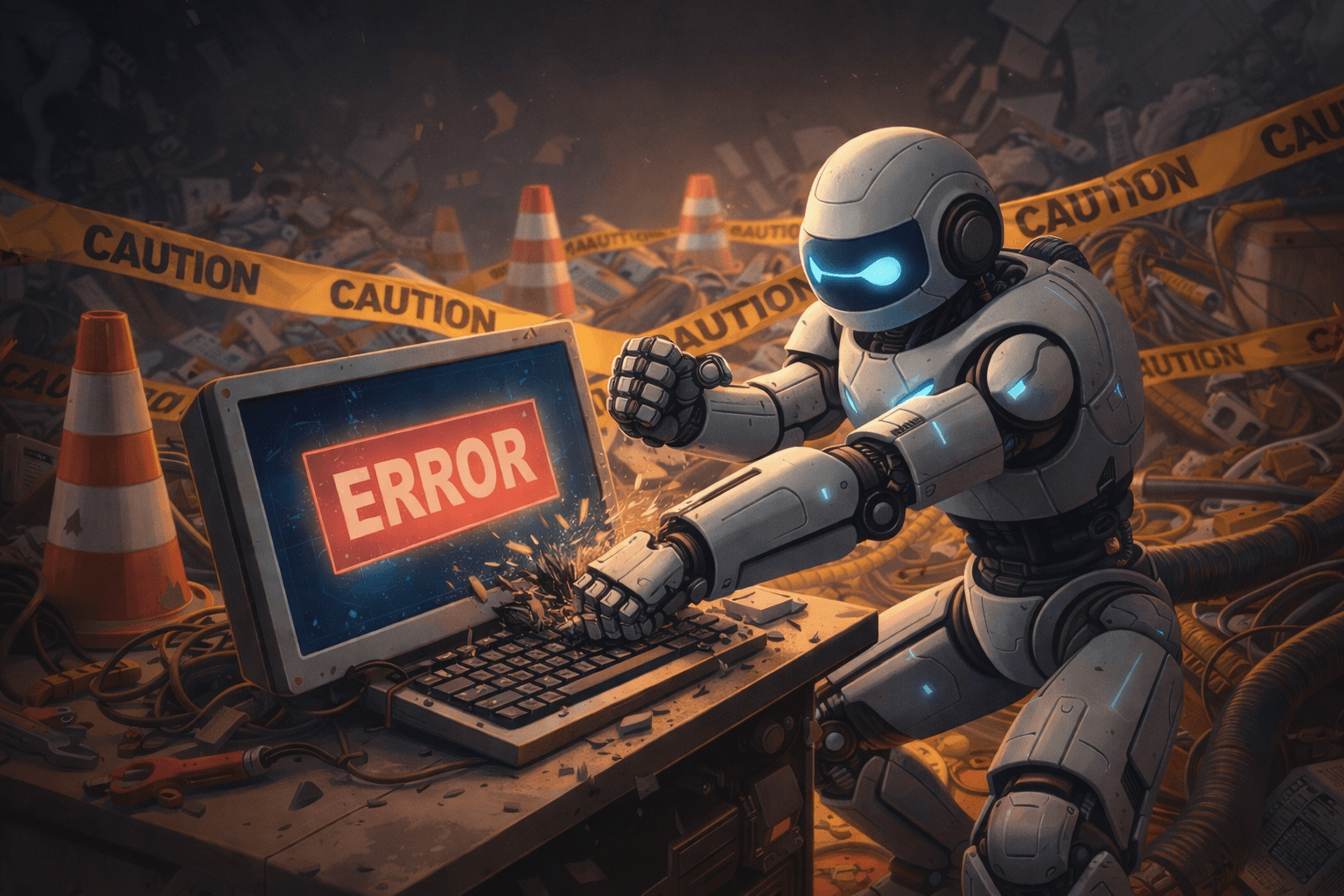
Full disclosure: AI was used to help correct spelling and grammar mistakes and generate the post’s featured image.
Leave a Reply